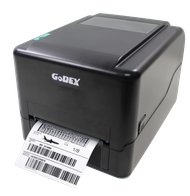
How to Configure Your Godex GM630 Pro Printer to Print Horticulture Pot Tags
29th Sep 2026
How to Configure Your Godex GM630 Pro Printer for Horticulture Pot Tags
Introduction
Welcome to the setup guide for printing horticulture pot tags and stakes using the Godex GM620 / GM630 Pro thermal transfer label printers. Proper configuration ensures accurate alignment, sensor detection, and smooth printing.
1. Media Loading
Properly threading your thermal transfer ribbon and horticulture stakes ensures smooth operation and prevents jamming.
Loading Video Guide:
2. Adjusting the Media Sensor
Accurate sensor positioning is critical for special media like pot stakes and horticulture tags so the printer knows where each tag begins and ends.
Sensor Adjustment Video:
Sensor Location Reference:
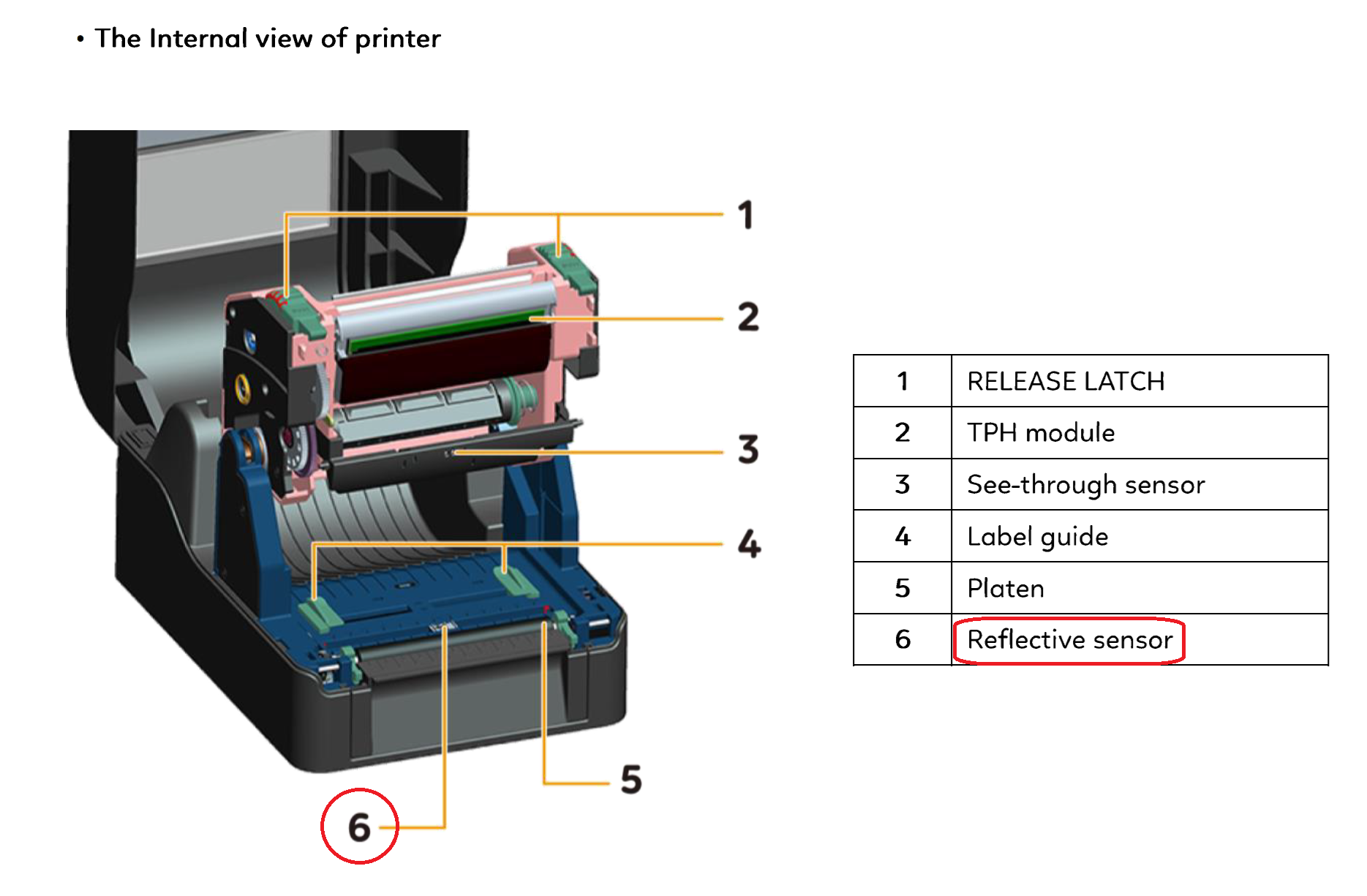
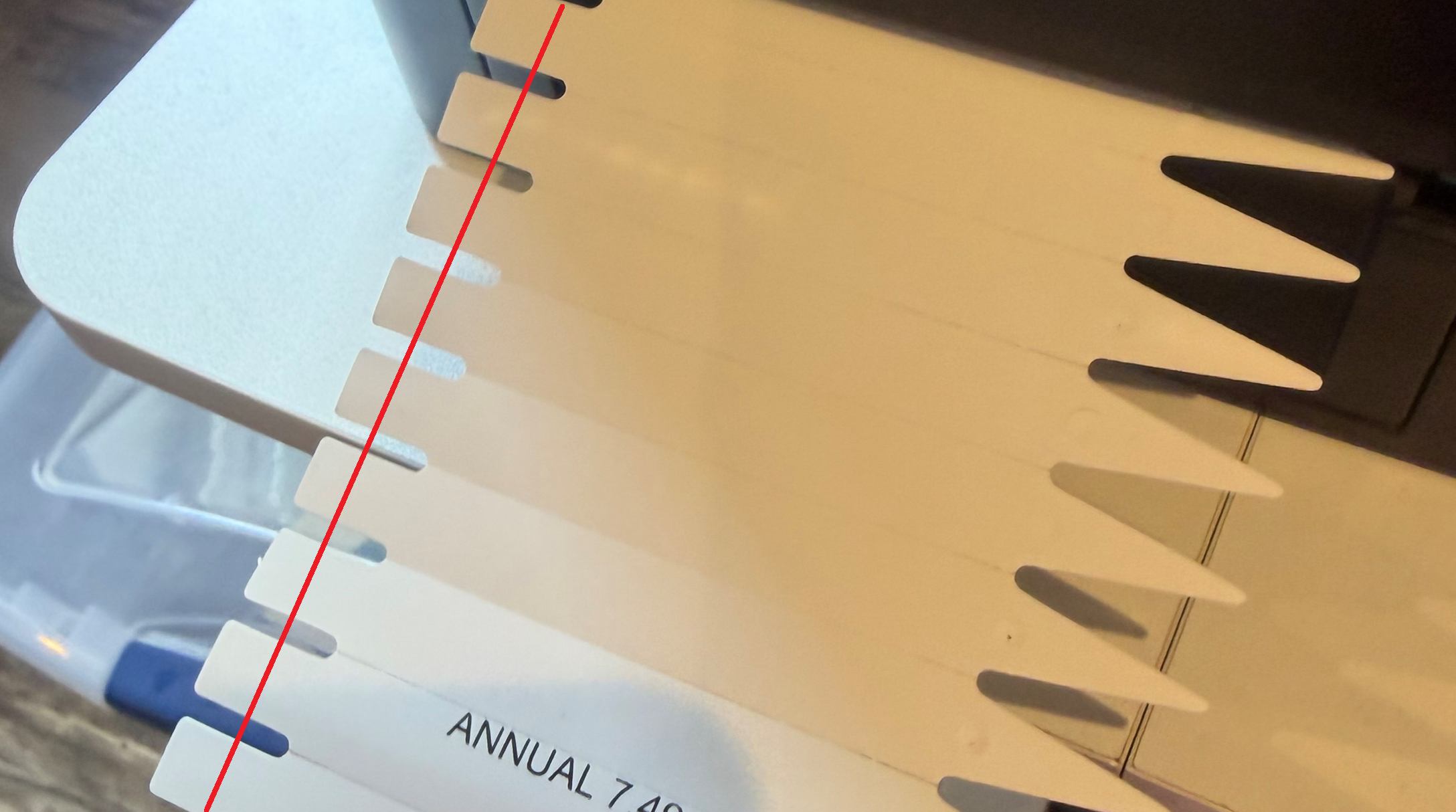
Pot Stake Alignment:
Tip: Slide the media sensor position to align precisely with the red line indicator on your horticulture tags (such as pot stakes).
3. Printer Calibration
Once your media and sensor are correctly positioned, perform a calibration so the printer recognizes the exact dimensions of your tags.
Calibration Video Guide: